

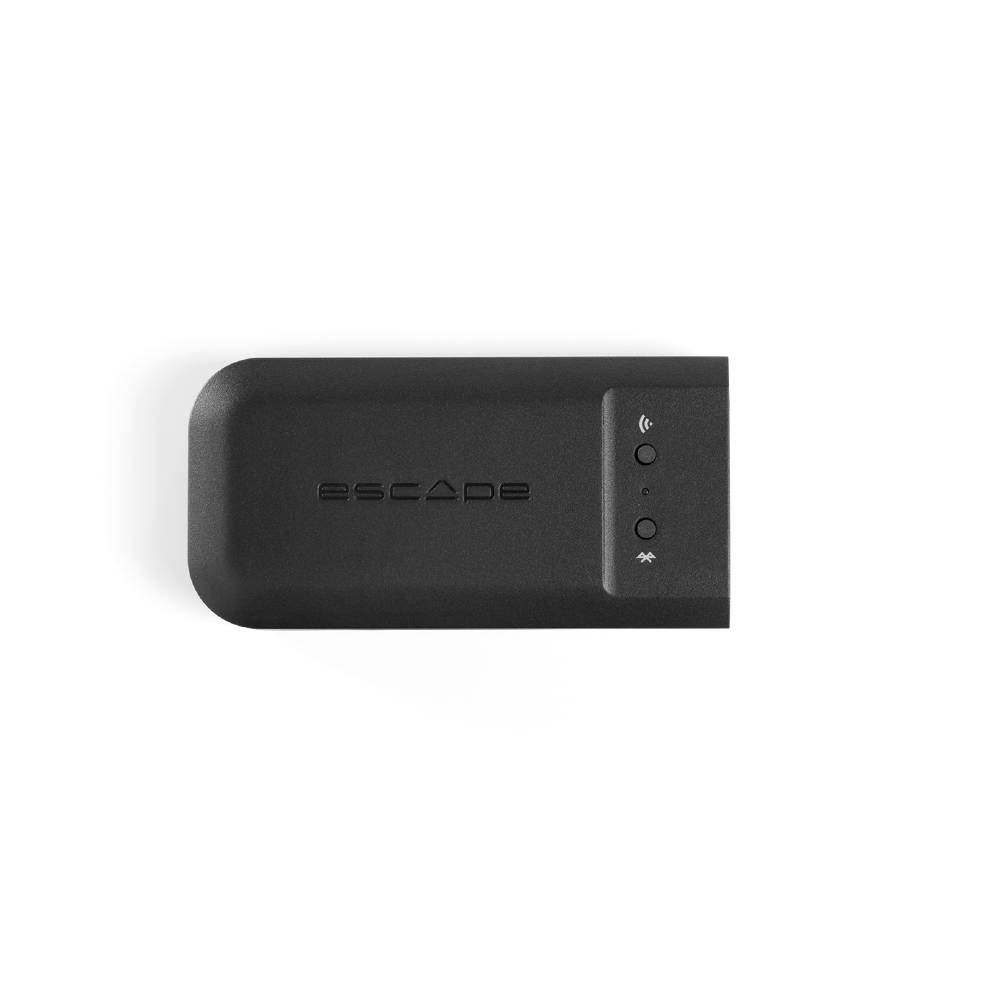
M1 Air multi room upgrade
Availability: In stock
£199.00
Enquire Now
Product enquiry
"*" indicates required fields
GET 10% OFF YOUR FIRST ORDER
Use the code FIRST10 at checkout for 10% off selected products.
Features
- Supports various systems for Hi-Res Multi-Room audio streaming (192KHZ/24-bit) over WIFI including Chromecast built-in, AirPlay2, Roon Endpoint and Spotify Connect. Lossless Audio Codec, Flac, APE and DSD support.
- Digital interface – interaction via a customized ESCAPE® REMOTE APP for both iOS® and Android™
- Apple® AirPlay 2 chipset
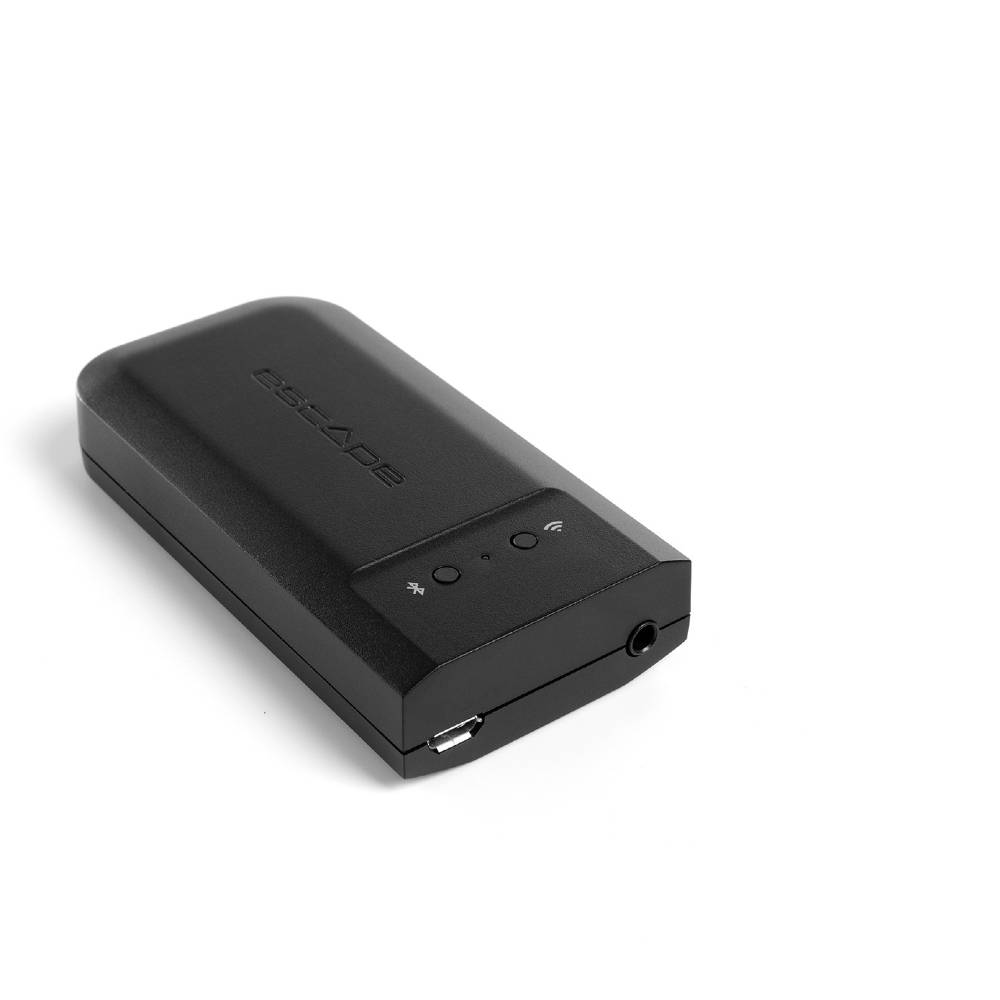
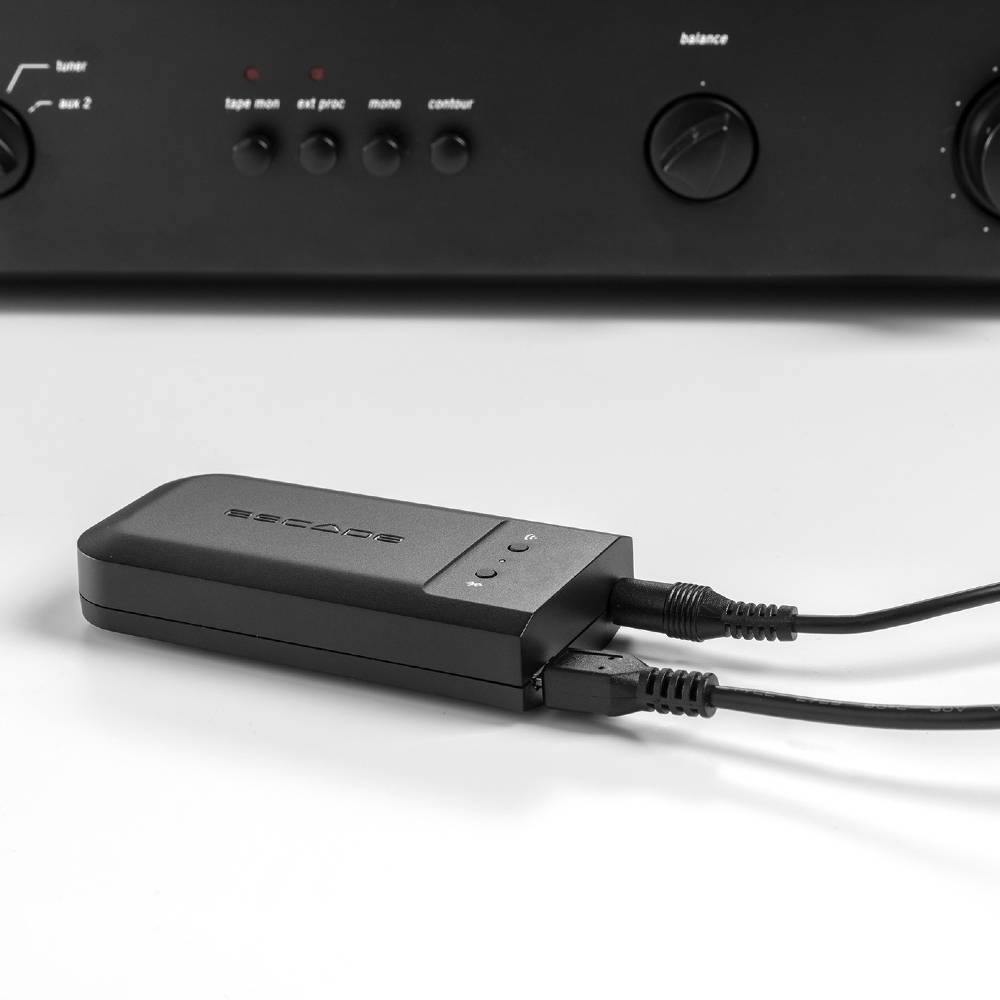
- Combined 3.5mm analogue + digital optical toslink output .Maximum preamp output voltage (audio volume) adjustable via the Escape® Remote App in two levels: 1 Volt default set for use with the P9 (*!) 2 Volts when the HIFI installation requires a higher output voltage. (*!) Do not change the maximum output voltage to 2 Volts when using the M1 AIR in combination with the P9.
- WIFI 1 x 1 Dual Band 802.11 a/b/g/n/ac
- THD + Noise < 0.06%. Frequency Range 20Hz – 20KHz
- Bluetooth® 5.0
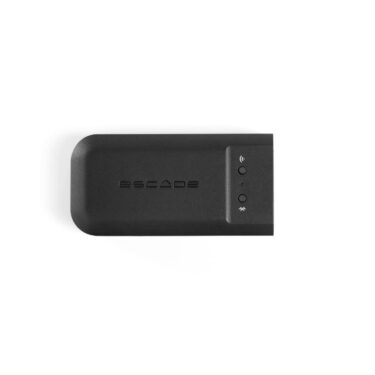
- Product dimensions: 89mm (L) x 45mm (W) x 18.9mm (H)
Description
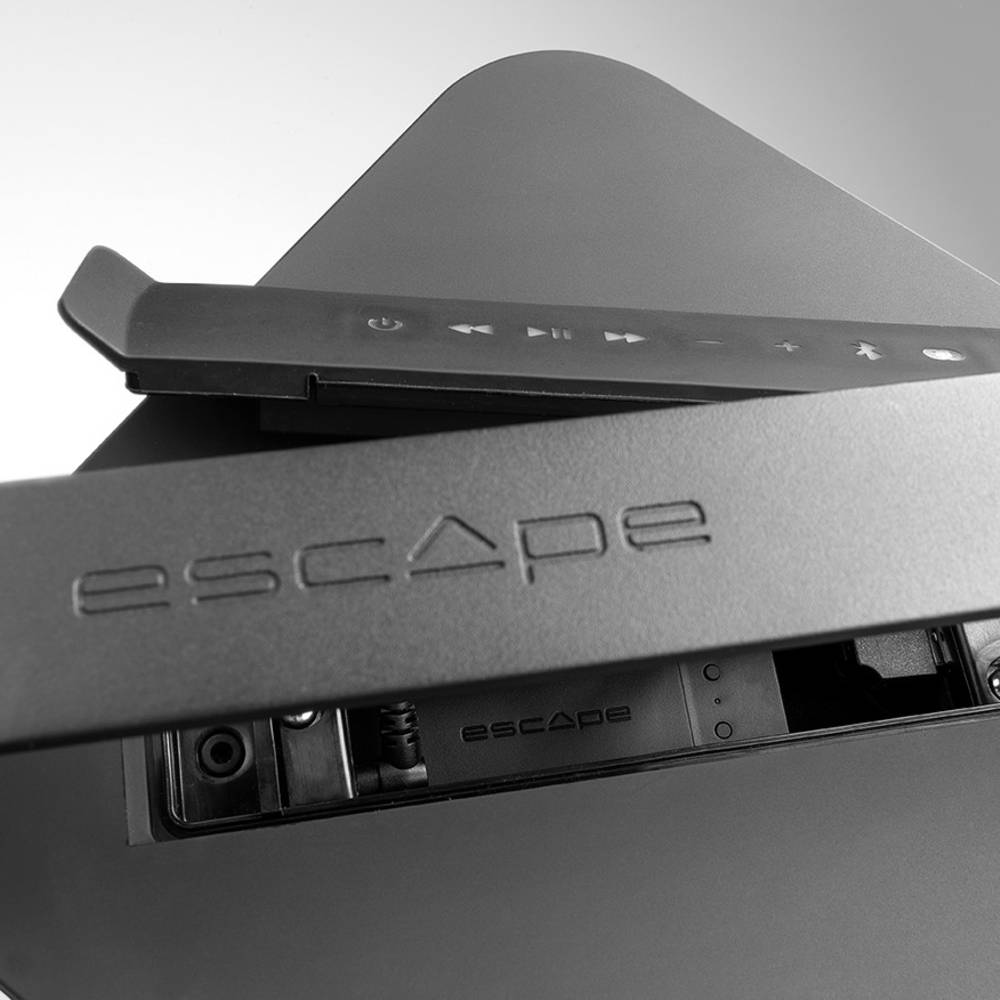
Upgrade the P9 with the M1 Air module
Also the P9, the top model of the P series, can be expanded with the M1 AIR module. For this purpose a special compartment is provided under the keyboard that is already equipped with a separate audio input (AUX2) and a USB power supply connection.
Premium Hi-Fi systems are bought to be enjoyed for years. So a lot of people don't want to part with their devices, even if they are not really up to date in terms of high-resolution wireless audio streaming anymore.
That is why we developed the M1 Air streaming DAC. A universal module that can be easily connected to most HI-FI systems and supports 192kHz / 24-bit hi-res audio files.
The M1 Air is equipped with Chromecast built-in, AirPlay 2, Roon, Spotify Connect and Bluetooth 5.0. This allows you to easily stream music services such as Spotify, Apple Music, Tidal, Qobuz, airable internet radio or podcasts from a smartphone or other mobile device.
A new firmware version (MCU 3.26) must be installed on the P9 to be compatible with the M1 Air. Download the file below and install it on an empty USB drive. Turn on the P9. Place the USB drive with the firmware update into the P9 USB input. The P9 will power off and power on again (all LEDs on the keyboard will turn back on). The unit has been updated.
Reviews



Reviews
There are no reviews yet.